3dmodelrepair
Open 3D studio
English

Repair comparison

3d model repair vs stl file repair: where should you start?

The practical answer to 3d model repair vs stl file repair depends on where the defect began. Fix an editable source model when its design is wrong; repair the STL when the exported mesh is the only problem or the only file you have.

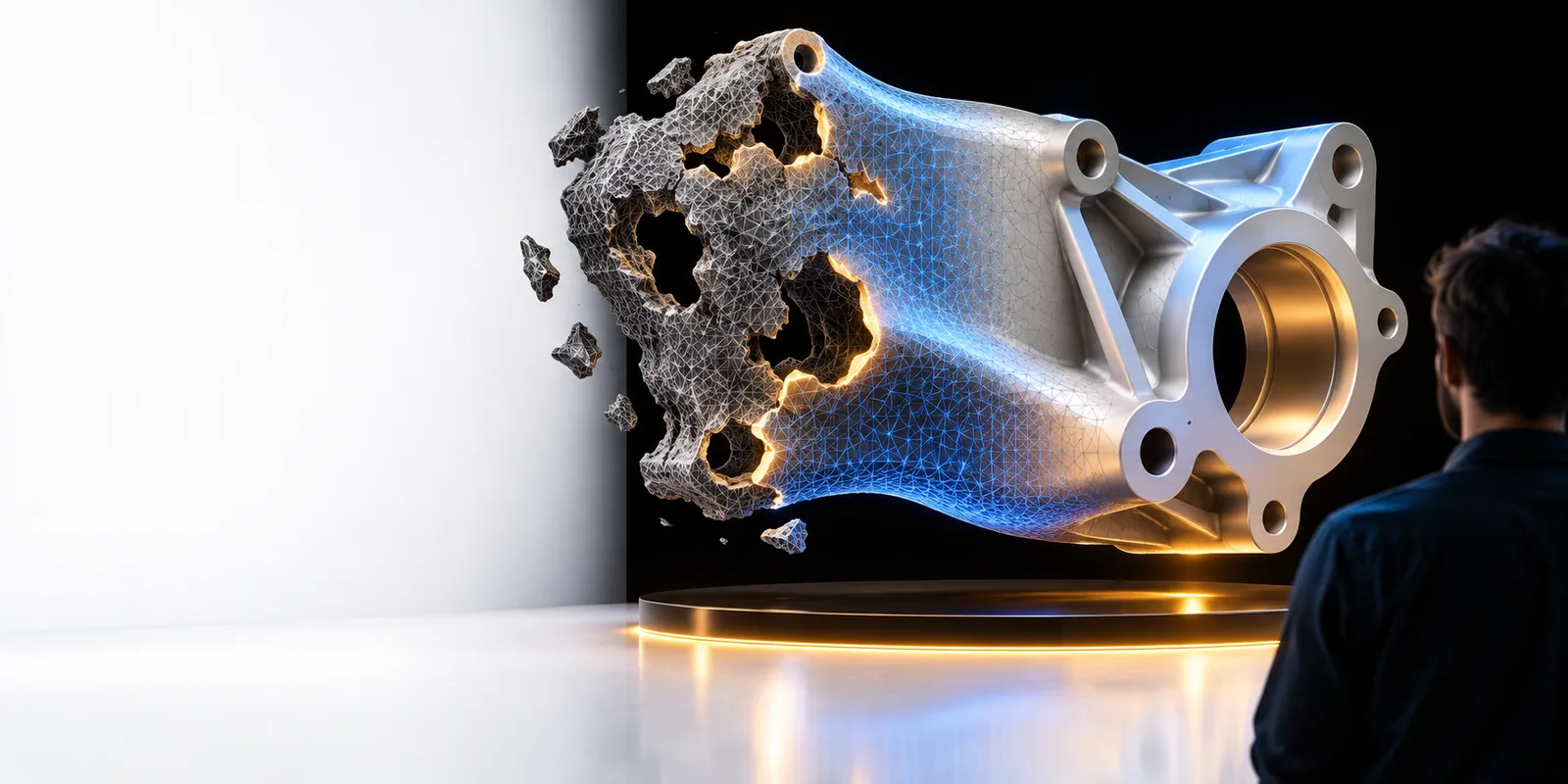
3D model imagery illustrating geometry that may need inspection before printing

Verdict first: repair the earliest file you can

An STL is a representation of a model, not a substitute for its editable design. Choose the source when you need to change intent; choose the mesh when you need to make an export usable.

Dimension by dimension: what kind of fix do you need?

The right starting point depends less on the filename than on whether the defect belongs to the design, the mesh or the print setup.

Designer with an editable source

A bracket has a thin mounting arm because its original dimensions are wrong. Closing holes in an export will not make that arm fit its load.

Correct the source geometry, export again and inspect the new mesh before printing.

3d model repair ai

Maker with only an STL

A downloaded part looks right, but a mesh checker reports an open boundary near its base.

Inspect the opening and attempt a targeted mesh fix, then check whether the intended opening remains intact.

free stl repair

Print operator receiving project files

A 3MF project carries a model alongside print settings, and the sliced result contains an unexpected gap.

Check the geometry and the slicer settings separately before deciding which file to change.

3mf repair online free

Who each approach suits: a three-check workflow

Work backward from the visible failure instead of running a broad automatic fix on every file.

  1. 1

    Locate the first bad stage

    Compare the editable model, exported mesh and slicer preview if you have all three. If a hole appears in the source, repair there. If it appears only after export, inspect export settings and the resulting mesh.

  2. 2

    Make the smallest justified change

    Use source-level editing for dimensions, missing features and intentionally open surfaces. Use mesh-level repair for accidental gaps, disconnected triangles or other export defects, while preserving features that are meant to stay open.

  3. 3

    Export and verify again

    Check the repaired file for unexpected caps or lost details. Then review the sliced layers, especially around the original defect; a clean mesh report alone does not establish that the part will print as intended.

Side-by-side verdict: source model or STL?

These distinctions matter when you decide whether to return to the editable design or work directly on the triangulated export.

1

Best use

Editable source model

Changing the intended shape, dimensions or features.

STL file

Correcting defects in the final triangle mesh.

2

Geometry representation

Editable source model

May retain sketches, surfaces, solids or other editable construction data, depending on the source format.

STL file

Stores a triangulated surface without the construction history.

3

Dimensional changes

Editable source model

Usually the better place to revise a feature to its intended measurement.

STL file

Possible in mesh editors, but harder to make precise without source features.

4

Accidental mesh holes

Editable source model

Fix the originating surface if the gap exists in the source.

STL file

Close a clearly accidental boundary when only the export is defective.

5

Intentional openings

Editable source model

Preserve or revise them using the design context.

STL file

Verify them manually; automatic hole filling can close a functional opening.

6

Re-exporting

Editable source model

Produces a new mesh after the design is corrected.

STL file

Produces a modified mesh but does not restore editable source history.

7

Final verification

Editable source model

Inspect the new export and its sliced layers.

STL file

Inspect the repaired mesh and its sliced layers.

Migration path: know what a file change cannot recover

Moving from a source model to an STL is straightforward; recovering the original design decisions from an STL is not.

  • Mesh repair cannot reconstruct design history

    An STL does not carry the sketches, constraints or feature sequence used to make the original part. Repairing triangles may restore a usable surface, but it will not recover those editable decisions.

    WorkaroundAsk for the source project when a dimensional or feature-level revision is required.

  • A closed mesh is not necessarily the right part

    A repair can seal an opening that was meant to be a drain, fastener hole or mating feature. A successful topology check therefore says less than a comparison with the intended shape.

    WorkaroundCompare the result with reference views and inspect critical features before slicing.

  • This page cannot diagnose an individual file

    The comparison identifies where to start, but it cannot determine whether a particular defect comes from the design, export or slicer without examining those files.

    WorkaroundKeep the original files, compare each stage and test one change at a time.

Choose a starting point, then check the result

Work from the file that still holds the answer

If you have the editable design and the shape is wrong, correct it before exporting again. If the design is sound but the mesh is damaged, inspect the exported file. Explore 3dmodelrepair's linked 3D workspace, but verify its available file support and tools for your specific job before relying on it.

Explore 3D workspace
  • Keep an untouched copy of the original
  • Check intended openings before filling gaps
  • Inspect the final sliced layers

Comparison FAQ

Not always. Repairing a 3D model can mean correcting its editable design, while STL repair works on a triangulated export. The two approaches overlap when the defect is in the visible surface, but only the source can retain its original editing structure.

Yes, if the source model already contains the wrong dimensions, missing features or an unintended gap. Fixing that problem before export avoids carrying it into every new STL. Check the export afterward because a separate mesh issue can still appear.

Some mesh defects can be addressed with only the STL, including clearly accidental openings or disconnected triangles. You must judge the result against the intended part, because an automatic repair cannot reliably infer every design choice. Precise redesign is generally easier with the original source.

No. A mesh can pass a geometry check yet still contain a feature that is too thin, an unintended filled opening or a problem visible only in the sliced layers. Inspect the repaired shape and the slicer preview before committing to a print.

Open 3D studio
Open 3D studio