3MF file repair
Start with 3mf repair online free
3mf repair online free can help you move from a damaged package to a file you can inspect and prepare for the next stage of your workflow.
-
1
Add the 3MF package
Bring the 3MF file into the repair workspace and describe the visible problem, such as holes, broken surfaces, or an export that will not open.
-
2
Review the repair result
Inspect the returned geometry rather than treating a successful handoff as proof that every object, material, and metadata item survived.
-
3
Prepare the next export
Use the checked result for the next step in your workflow, such as slicing, further editing, or saving a clean working copy.
- 1 A 3MF file is handled as a packaged model rather than a bare mesh alone.
- 1 package
- 2 The format uses structured XML content to describe model information.
- XML core
- 3 A 3MF package uses a ZIP-based container for its internal files.
- ZIP container
A 3MF package versus a repaired mesh output
The useful difference is structural: a 3MF package can carry more than visible triangles, while a repaired output may focus on the mesh that needs correction.
3MF package
Repaired mesh output
Primary role
3MF package
Stores a structured 3D model package
Repaired mesh output
Provides corrected geometry for inspection or downstream use
Container type
3MF package
ZIP-based package
Repaired mesh output
Usually a single exported model file
Mesh data
3MF package
Can include one or more model resources
Repaired mesh output
Focuses on the repaired surface or solid
Materials and colors
3MF package
May carry package-level appearance information
Repaired mesh output
May not retain every appearance assignment
Metadata
3MF package
Can include names, relationships, and other structured data
Repaired mesh output
Often reduced to what the output format supports
Editing handoff
3MF package
Useful when package structure matters
Repaired mesh output
Useful when the next tool needs a clean mesh
What conversion can lose
A free repair path is useful only when its limits are clear. Check the result before relying on it for production, archiving, or a final print.
-
Package metadata may change
Names, relationships, thumbnails, and other package details may not appear in a repaired mesh output.
WorkaroundKeep the original 3MF file and compare package details before replacing it.
-
Materials are not guaranteed
Colors or material assignments can be simplified when the workflow concentrates on geometry.
WorkaroundRecord the original appearance settings and reapply them if the destination tool supports them.
-
Multiple objects may need review
A package with several objects can require individual inspection after repair rather than one free pass/fail assumption.
WorkaroundCheck object count, placement, and visibility in the receiving application.
-
Repair is not design editing
The route is intended for damaged or invalid geometry, not for redesigning dimensions, adding features, or changing intended form.
WorkaroundUse a CAD or mesh editor for deliberate design changes after the free repair step.
The repair tool block
Use the guided handoff to describe the issue, then compare the source condition with the result. The visual check is part of a responsible free workflow, not an optional extra.
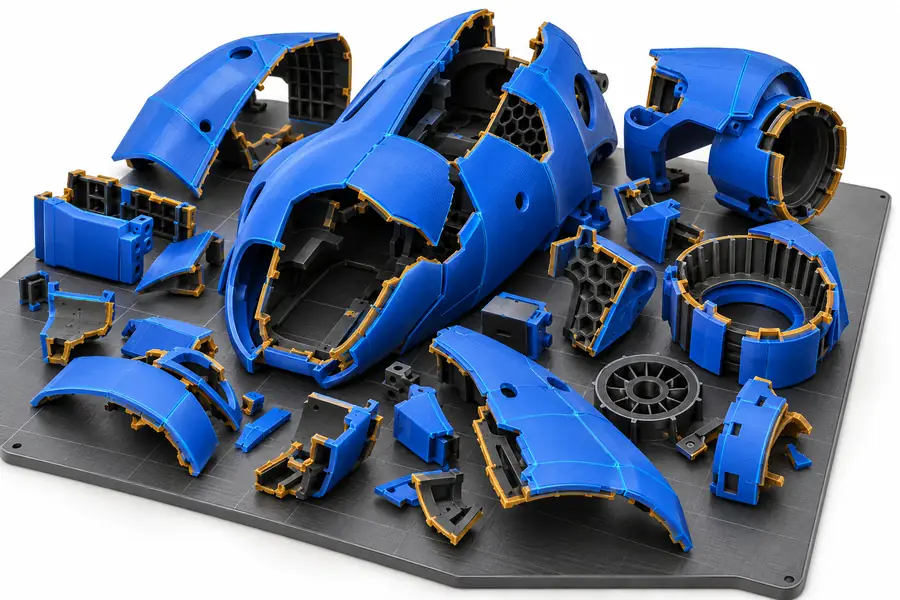
- Before inspection
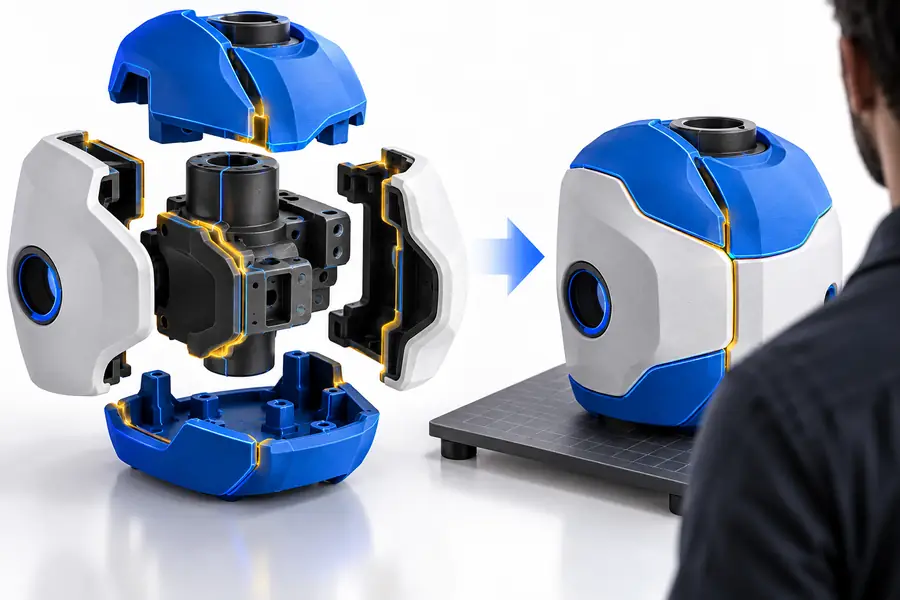
- After review
Illustrative comparison; verify your own file.
How to verify after repair
Check the file before the next step
A free result should still be checked in the application that will use it. Open the repaired file, rotate it from several angles, look for open edges or missing faces, confirm that the scale and orientation are sensible, and review any separate objects or materials. Keep the original 3MF package beside the repaired copy so you can restore information that conversion did not carry forward.
Open repair workspace- Compare the repaired mesh with the original package
- Check objects, scale, surfaces, and visible gaps
- Keep a separate source copy for safe rollback
3MF repair FAQ
A 3MF file can be sent through an online repair workflow for inspection and correction. The practical result depends on the condition of the package and the geometry inside it, so review the returned file before using it.
It can be a useful starting point for a free repair workflow, but it should not replace a final printability check. Confirm that the repaired model is closed, correctly scaled, correctly oriented, and accepted by your slicer.
Not necessarily. Geometry may be repaired while package metadata, colors, materials, thumbnails, or object relationships are simplified, so keep the original package and compare the result.
Only convert when the receiving workflow requires STL or when the package structure is not needed. Conversion can discard information, so repairing or inspecting the 3MF first is usually the safer free workflow when package data matters.